
Corporate Event Calendar Template: Plan Every 2027 Event in One Sheet

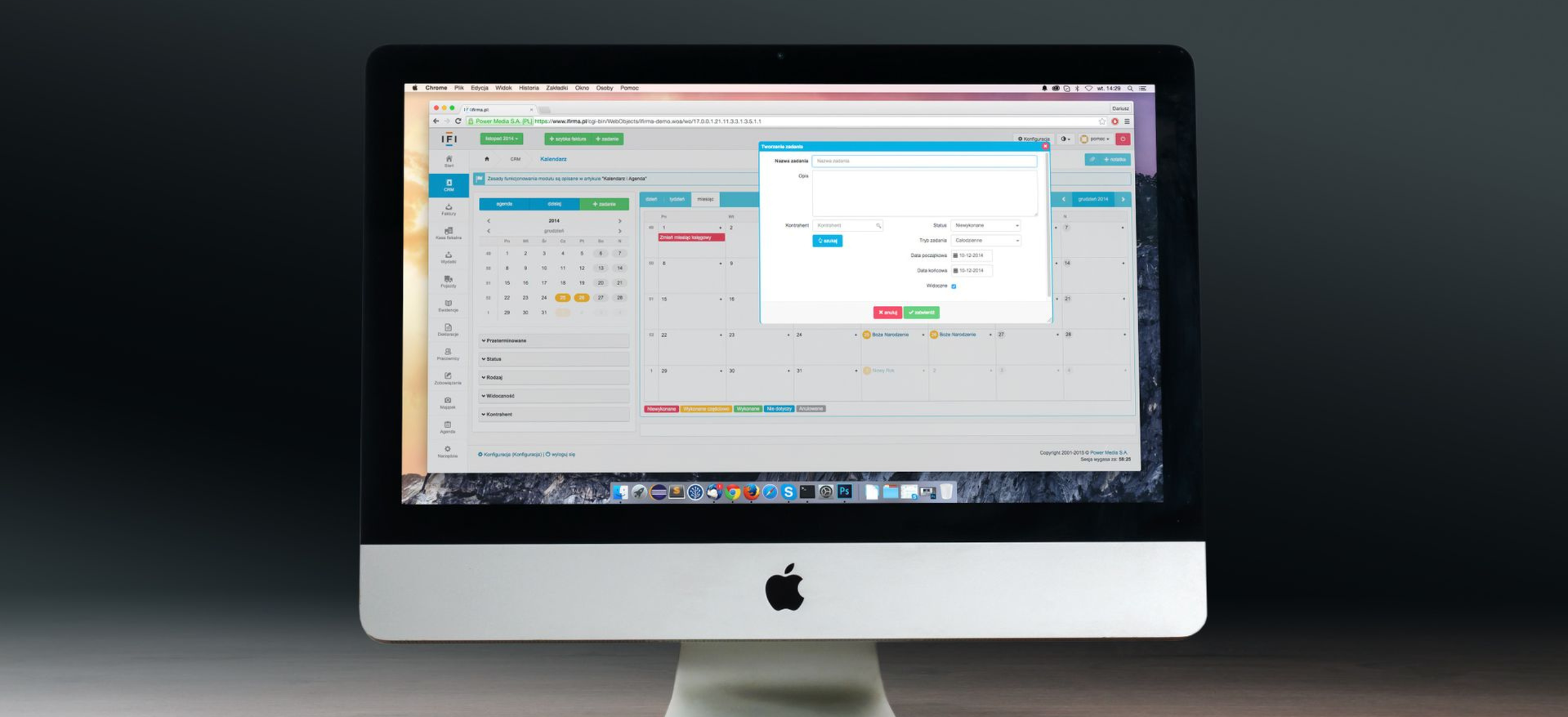
Most companies don't have one event calendar. The kickoff lives in the CEO's calendar, the holiday party in an HR spreadsheet, team offsites in a few managers' heads, and the conference schedule in a marketing tracker. Clashes and crowded months only show up when it's too late to move anything, and the corporate event budget never quite matches what actually happens.
A corporate event calendar puts every company event for the year in one place. This guide explains what to include, how to fill it in and how to use it through 2027, and it comes with a free Google Sheets template you can copy.
Key Takeaways
- A corporate event calendar lists every company event for the year in one shared sheet, with owners, dates, headcount, format, status and budget.
- Fill it in early, ideally during annual planning, so you can spread events across the year and avoid holidays and quarter-end weeks.
- Use one owner per event and a clear status, so everyone knows what's approved, booked or still an idea.
- Review it every quarter with leadership and event owners, and update it as plans change.
- Our free template includes a 2027 events list, a monthly view that flags crowded months, and a tab of key 2027 dates to avoid.
Why every company needs one event calendar
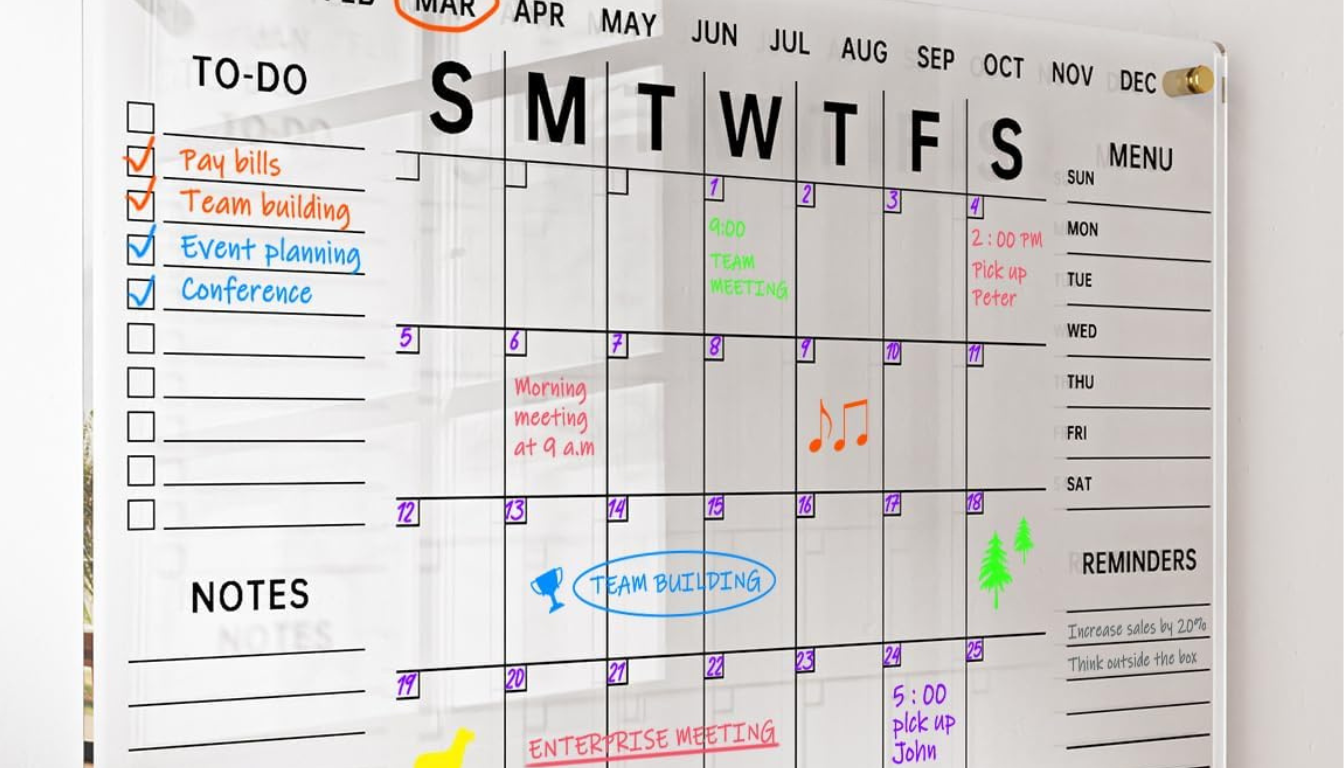
When events are planned separately, the same problems keep coming up:
- Clashes. Two teams book offsites the same week, or a team offsite lands on the sales kickoff.
- Crowded months. Three events in October and nothing until March.
- Missed dates. An event lands on a religious holiday, a school break or quarter-end.
- Budget surprises. Finance sees each event as a new request instead of part of one plan.
A single calendar fixes all four. It shows leaders the whole year at a glance and gives every event owner the same view.
What to include in your corporate event calendar
Each event gets one row. These columns cover what most companies need:
- Event name and type: kickoff, offsite, all-hands, holiday party, conference, customer event or training.
- Owner: the one person responsible for the event.
- Teams or attendees and headcount: who's invited and how many.
- Format: local, fly-in, hybrid or virtual.
- Start and end dates: with the number of nights calculated automatically.
- Location: city or venue, once known.
- Status: idea, proposed, approved, booked, done or cancelled.
- Budget: the planned cost. The detailed line items for each event live in a separate event budget template.
- Notes: anything else people need to know.
Our template includes all of these, with dropdowns for type, format and status so everyone fills it in the same way.
How to fill in your calendar
- List every event you already know about. Start with the fixed ones: the kickoff, the holiday party, recurring all-hands and major conferences.
- Add the events teams are planning. Ask each department head for their offsites, trainings and customer events, even if they're still ideas.
- Place the biggest events first. Kickoffs need the earliest dates; a sales kickoff usually lands in January, so it books up the soonest. Then add leadership and company-wide events, and fit team events around them.
- Check every date against key 2027 dates. Avoid federal holiday weekends, major religious observances, school breaks and quarter-end weeks. The template includes a tab with all of them.
- Assign an owner and a status to every row. An event without an owner rarely happens on time.
- Add budgets so the calendar and the budget tell the same story.
How to use your calendar through the year

- Spot crowded months. The template's monthly view counts events, headcount and budget by month and highlights months with three or more events.
- Balance the year. Spread offsites across spring and fall, and leave breathing room around the kickoff and year-end. A regular company offsite rhythm works better than several events crammed into one quarter.
- Share it widely. Give leadership view access and event owners edit access, so everyone works from the same plan.
- Review it quarterly. Update statuses, move dates that no longer work and add new events as they come up.
Common calendar mistakes
- One person holds everything. If the calendar lives in one inbox, it goes out of date as soon as that person is busy.
- No status column. Without it, nobody can tell an idea from a booked event.
- Dates without owners. Events with no owner tend to slip or get forgotten.
- Ignoring headcount. Two "small" events in the same week can still pull the same people away.
Get the free 2027 corporate event calendar template

Our free Google Sheets template has everything above, ready to copy:
- 2027 Events: one row per event, with dropdowns and example rows.
- Monthly View: automatic monthly counts of events, headcount and budget, with crowded months highlighted.
- Key 2027 Dates: federal holidays, religious observances, school breaks and quarter-end weeks.
Get your free copy of the 2027 corporate event calendar template
Conclusion
A corporate event calendar turns a year of scattered events into one plan that everyone can see. List every event, place the biggest ones first, check each date against key 2027 dates, and give every event an owner, a status and a budget. Then review it quarterly so it stays accurate all year. Download the free template to get started, and when it's time to plan the events themselves, Offsite can source venues and handle the logistics for every one of them.
FAQs
- What is a corporate event calendar?

It's a single shared schedule of every company event for the year, such as kickoffs, offsites, all-hands, holiday parties and conferences, with owners, dates, headcount, status and budget for each one.
- What should a corporate event calendar include?
Event name and type, owner, attendees and headcount, format, start and end dates, location, status, budget and notes. A monthly summary and a list of key dates to avoid make it easier to use.
- When should you create your annual event calendar?
During annual planning, usually in the fall, so the biggest events can be booked early and the calendar matches next year's budget.
- Is there a free corporate event calendar template?
Yes. Offsite's free 2027 corporate event calendar template for Google Sheets includes an events list, a monthly view and a tab of key 2027 dates to avoid.
You may also like



Stay Updated with Our Insights
Get exclusive content and valuable updates directly to you.